How it works
From signup to first thanks in five minutes.
Every step, every screen. Then, when you're ready, a shop, bookable sessions and Instagram AutoDM on the same link.
Sign up
30s
Connect Stripe
3m
Customize
1m
Share
10s
Get tipped
6s
Get paid
2 days
Sell more
5m
Automate
5m
Step 01 — 30 seconds
Sign up and pick your slug.
Email, password, and the part of the URL that goes after thx.so/. We check availability live so you don't waste a try. Your slug is also your brand — keep it short, keep it yours.
- Email + password (or Google sign-in)
- Live slug availability check
- Reserve early — slugs are first-come

Step 02 — 3 minutes
Connect Stripe in one click.
We don't touch card numbers, ever — Stripe handles money, KYC, payouts, and disputes. You'll fill out a Stripe form (ID, bank account), get redirected back to your dashboard, and that's it.
- Stripe Connect — same flow as Substack & Patreon
- Bank-grade KYC handled by Stripe
- Payouts to your bank, not to thx.so
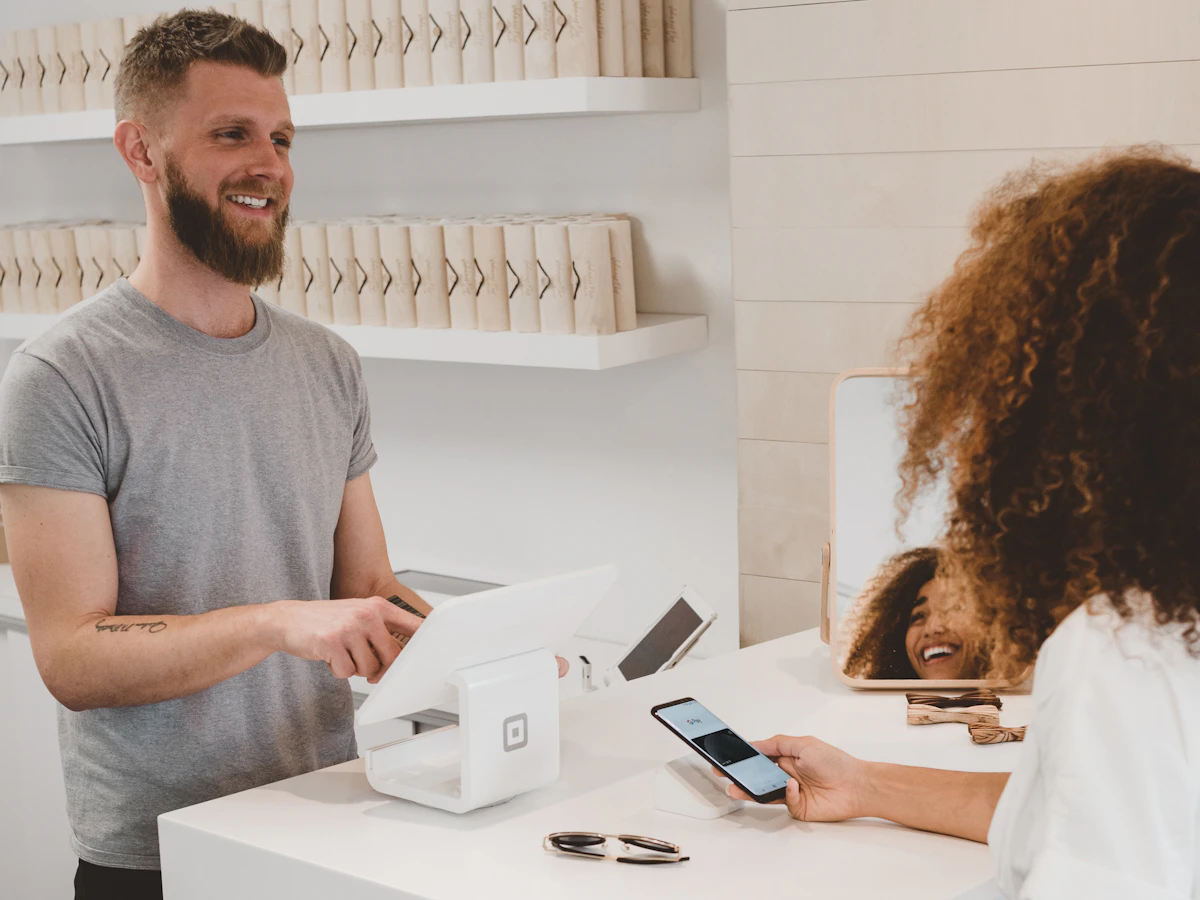
Step 03 — 1 minute
Customize your page.
Add your name, a one-line tagline, an avatar, and a cover. Pick preset tip amounts. Optionally write a thank-you message that fans see after they pay. The defaults are sensible — you can ship without any of this.
- Avatar, cover, display name, tagline
- Preset tip amounts ($1 / $3 / $5 + custom)
- Optional: thank-you message, post-tip CTA

Step 04 — 10 seconds
Share your link, anywhere.
thx.so/kenji is twelve characters. It fits in a Twitter bio, a TikTok bio, a YouTube description, the back of a business card, the side of a mug. The shorter the URL, the more people remember it.
- Twitter / X, TikTok, YouTube, Instagram bios
- Linktree replacement — your one link
- Print on flyers, cards, stickers, merch

Step 05 — 6 seconds
A fan taps your link and pays.
They land on your page, tap a preset amount, and Apple Pay or Google Pay does the rest. Face ID confirms, the tip lands. No signup, no card form, no "create account" popup. The whole thing fits in one breath.
- Apple Pay & Google Pay on day one
- Card fallback for desktop browsers
- No tipper account required, ever

Step 06 — 2 days
Money lands in your bank.
Stripe runs a rolling two-day payout schedule by default. A tip on Monday hits your bank by Wednesday. You can switch to weekly or monthly in your Stripe dashboard. We don't hold funds — every cent goes straight from Stripe to you.
- Default: 2-day rolling payouts
- Configurable: daily / weekly / monthly
- Stripe Express dashboard for your records

Step 07 — 5 minutes, when you're ready
Sell downloads, merch and your time.
The shop sits on the same page as your tip jar. Upload a file and it delivers the moment payment clears. Ship a print and the checkout collects an address. Add a session with a duration and your weekly hours, and fans book a free slot in their timezone. Connect Google Calendar and busy times are hidden automatically.
- Digital downloads with signed, time-limited links
- Bookable sessions with reminders and reschedule links
- Google Calendar sync hides your busy times

Step 08 — 5 minutes, once
Let the link work while you don't.
Connect Instagram and write a rule: when someone comments a keyword, thx.so replies under the comment and sends the link by DM, in fixed text or written by AI in your voice. Switch on auto-posting and every thanks, new member and sale is announced on X, Twitch chat, YouTube live chat or Discord.
- Instagram AutoDM: comment, DM and story mention triggers
- Fixed-text replies unlimited, AI replies by plan
- Auto-post to socials with per-event templates

Common questions
Things people ask before signing up.
Do I need a business to use thx.so?
No. Stripe accepts individuals — you'll provide ID for KYC, and your bank account for payouts. Most creators sign up as a sole proprietor.
What if my country isn't supported by Stripe?
thx.so launches first in countries Stripe Connect supports. If your country isn't on the list, drop us a note via /contact and we'll let you know when it lands.
Can I keep my old Buy Me a Coffee link?
Yes. Switching to thx.so doesn't break your old link — your existing supporters can keep using whatever URL they have. We just give you a shorter one going forward.
Can I sell products or sessions, not just take tips?
Yes. The shop sells digital downloads, physical items and paid bookings. A session product has a duration and weekly availability; fans pick a free slot in their timezone and pay at checkout. Connect Google Calendar and busy times are hidden automatically.
What does Instagram AutoDM do?
Connect an Instagram professional account and write rules: a keyword in a comment, any comment on chosen posts, a keyword in a DM, or a story mention. thx.so posts a public reply and sends a DM with your link, as fixed text or written by AI. Fixed-text replies are unlimited; AI replies have a monthly allowance by plan.
When do I get paid?
Stripe pays out on a two-day rolling schedule by default — a tip on Monday lands in your bank on Wednesday. You can switch to weekly or monthly in your Stripe dashboard.